
R does not start the engine
Confirm the engine, fuel, power, oil, cooling, and driving position before repeating the start input.
Open the starter diagnosticA PC reference for starting the engine, moving objects, welding, jumping and zooming. Official instructions and community-reported bindings are identified separately.
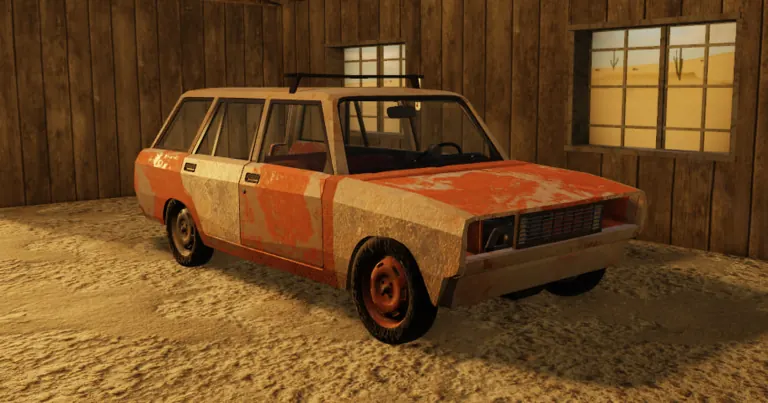 OFFICIAL GAME ART
R is printed in the official Roblox experience description. The additional PC bindings below are documented in BloxInformer's community guide, not a complete developer control specification. Follow a conflicting prompt in the current game instead of assuming every historical binding is unchanged.
Console and mobile stay separate because an unresolved controller map is not evidence for touch controls.
| Input | Action and check | Platform | Evidence |
|---|---|---|---|
| 01R | Start the engine Listed in the Roblox game description. | PC / keyboard | Official Roblox description |
| 02W, A, S, D | Move Documented in BloxInformer’s community Controls table; follow current game prompts. | PC / keyboard | Community-reported |
| 03F | Pick up or drop an object Documented in BloxInformer’s community Controls table; follow current game prompts. | PC / keyboard | Community-reported |
| 04Drag with LMB | Drag an object Documented in BloxInformer’s community Controls table; follow current game prompts. | PC / mouse | Community-reported |
| 05Drag with RMB | Push an object Documented in BloxInformer’s community Controls table; follow current game prompts. | PC / mouse | Community-reported |
| 06E | Sit or stand up Documented in BloxInformer’s community Controls table; follow current game prompts. | PC / keyboard | Community-reported |
| 07Space | Jump Documented in BloxInformer’s community Controls table; follow current game prompts. | PC / keyboard | Community-reported |
| 08Q | Zoom Documented in BloxInformer’s community Controls table; follow current game prompts. | PC / keyboard | Community-reported |
| 09Z | Weld Documented in BloxInformer’s community Controls table; follow current game prompts. | PC / keyboard | Community-reported |
| 10LMB | Attack Documented in BloxInformer’s community Controls table; follow current game prompts. | PC / mouse | Community-reported |
Sources: official Roblox description and BloxInformer’s Controls table.
Combat scope: the Attack row is a generic community listing. It is not a confirmed bare-handed punch control. Do not assume that handling an object, using a weapon and punching an enemy share one input.
Community documentation lists X to shift up and Z to shift down for semi-manual or manual driving. For fully manual driving, it also lists Shift as the clutch. These are documented defaults, not a newly tested control map for every vehicle or device.
| Driving action | Documented PC default | Applies to |
|---|---|---|
| Shift up | X | Semi-manual/manual driving |
| Shift down | Z | Semi-manual/manual driving |
| Use the clutch | Hold Shift | Manual driving |
The community Controls reference separates these driving bindings from its on-foot controls. A changed binding or a different transmission mode can produce a different result.
This sequence follows the community vehicle instructions and clutch definition. The clutch step is for manual driving; it is not asserted as a requirement for every other transmission mode.
The two entries describe different contexts: handling parts on foot and changing gears while driving. Confirm the active interaction and transmission mode before deciding that the key is broken.
Check the current driving mode and displayed binding first. Do not replace the gearbox simply because a default key from a reference does nothing. If the engine runs but the vehicle will not move, continue with the movement checks.
Evidence: community documentation, reviewed through indexed text. No independent current-build gameplay test was performed for this addition.
Driving reference reviewed September 12, 2026 (UTC).
This is not a verified PS5, Xbox or touch-control map. Keyboard R, F and Z must not be converted into guessed controller buttons. Use the prompts displayed on your device; the community PC table does not establish those mappings.
Confirm the engine, fuel, power, oil, cooling, and driving position before repeating the start input.
Open the starter diagnosticThe community table lists left-click for both dragging and attacking. Check the current object and action context before treating either entry as a universal left-click function.
Check the visible interaction prompt, release the current object, and retry without assuming an old key map still applies.
Follow the on-screen input shown by the current client. This page does not invent a controller or mobile mapping.
Press R from the driving position. R is the start instruction listed in the official Roblox description.
Community guidance lists F to pick up or drop an object. Confirm the prompt and behaviour in the current game build.
Community guidance lists left mouse button for dragging and right mouse button for pushing a held object.
Complete current console and mobile maps are not established here. Each platform is kept separate, and you should follow the prompts visible on that device.
BloxInformer's PC table lists Z. This is a community-reported binding, not a developer-published specification for every part or platform.
No. The official instruction available here is keyboard R. A PS5 equivalent has not been independently confirmed for this reference.